

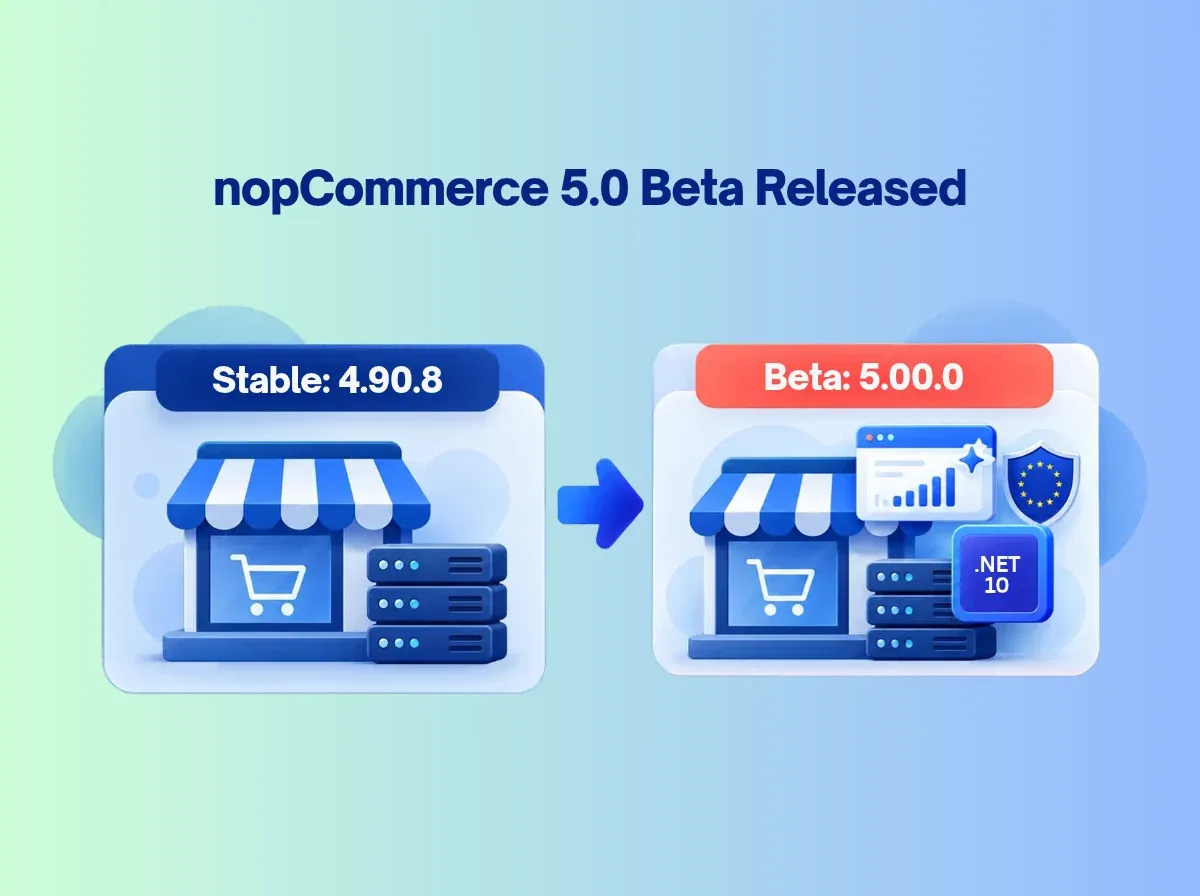
nopCommerce 5.0 Beta Released - Major Features Explained
The nopCommerce team has published a beta of its next major version. The official announcement invites the community to test nopCommerce 5.00.0 and report bugs before the formal release.
That wording matters. nopCommerce 5.0 Beta is a testing build, not a final release. The release notes still list nopCommerce 4.90.8 as the latest stable version. Production stores should not treat the beta as an upgrade target.
Why watch it anyway? Major releases change the framework, the plugin surface and the feature set. The nopCommerce 5.0 features announced so far include a move to nopCommerce .NET 10, AI-assisted tools, B2B capabilities and multi-vendor changes. Developers need time to check compatibility. Business owners need time to decide what is relevant.
A beta is the right moment to evaluate features, test customizations, find issues and send feedback. It is not the moment to switch a live store.
What Is nopCommerce 5.0 Beta?
The nopCommerce 5.00 Beta is a pre-release package of version 5.00.0. The team offers a source-code package for developers and a no-source package for quick deployment. The GitHub release page marks it as a pre-release.
Software teams publish betas to collect real-world feedback. Community testers run the build against different databases, plugins, themes and hosting setups. They find problems the core team cannot reproduce alone.
Three terms are easy to confuse:
Beta: a feature-complete-enough preview. Behavior can still change.
Release candidate: a build the team believes is nearly final.
Stable release: the version intended for production.
Three feature statuses also differ:
Announced for the beta: listed in the announcement.
Implemented in the beta package: present in the downloadable build.
Confirmed in the final release: documented in the final release notes.
These are not interchangeable. Check the official announcement and release notes for the latest status.
nopCommerce 5.0 Beta: Major Features at a Glance
1. .NET 10 Upgrade: What It Means for nopCommerce Developers
nopCommerce runs on ASP.NET Core, so the .NET version shapes everything: SDK, runtime, hosting and every dependency. nopCommerce 4.90 uses .NET 9. The 5.00 beta announces .NET 10.
A framework upgrade is more than a version bump. Developers should check:
SDK and runtime requirements in the official changelog. Partner summaries report Visual Studio 2026, the .NET 10 SDK and a matching ASP.NET Core runtime. Verify exact versions in the PDF changelog.
Hosting support. Your server or host must support .NET 10.
Dependencies. Third-party NuGet packages may need updates.
Plugins and themes. Do not assume older extensions work unchanged. Partner summaries also mention refactoring, such as a mapper library change. Confirm in the changelog.
No benchmark is claimed here. Measure your own store.
2. AI-Powered Product Recommendation Engines
The announcement lists AI-powered recommendation engines. The goal is personalized product discovery: showing shoppers products that fit their browsing or buying context.
Results depend on implementation, configuration and data. Clean categories, accurate attributes and good product content generally help any recommendation system. Test relevance on real catalog samples and decide where recommendations should appear.
Do not assume AI recommendations raise conversions automatically. Also separate this announced platform capability from third-party AI recommendation tools, which carry their own setup and costs.
3. Intelligent AI Chatbots for 24/7 Sales Assistance
The announcement names Jotform for intelligent chatbots. Possible uses include answering common questions, helping shoppers find products, sharing store information and offering help outside staffed hours.
Plan for these risks:
Accuracy. Chatbots can answer incorrectly if product or policy content is thin.
Human escalation. Give customers a path to a person.
Privacy. Review what data is shared with the external service.
Integration. Expect account setup and configuration.
Monitoring. Review conversations and refine regularly.
Do not assume the chatbot completes every support or transaction task. Check the documentation.
4. ChatGPT Shopping and Product Feed Support
The announcement lists a ChatGPT shopping product feed. A feed supplies structured product data such as titles, descriptions, prices, availability and product URLs.
Accuracy matters because stale prices or stock status create poor experiences. Three ideas should stay separate:
Providing data through a supported feed.
Product discovery in AI-assisted shopping.
Guaranteed placement or ranking, which nobody can promise.
Verify the feed specification, activation steps and eligibility requirements in official documentation before planning around it.
5. Automated Reminders: Abandoned Carts, Pending Registration and Pending Orders
The announcement lists reminders for three situations. Partner summaries describe email-based reminders, but confirm supported channels and settings in the official implementation.
Abandoned Cart Reminders
These may help you reconnect with shoppers who left items in the cart. No recovered sales are guaranteed.
Pending Registration Reminders
These may prompt customers who started but did not finish registering.
Pending Order Reminders
These may help staff follow up on eligible unpaid or pending orders.
Test timing, frequency limits and duplicate messages. Review customer consent rules for your markets. Track results so you can tune the experience.
6. Native Price List Support for B2B eCommerce
The announcement lists native price list support. It is relevant to wholesale, distributor portals and business customers who have negotiated or customer-specific prices.
Stores previously used discounts, tier prices or plugins for such cases. A native feature may reduce that effort. Complex workflows, such as ERP-driven pricing, may still need configuration or customization. Test your real scenarios; do not assume specific rule types or quantity-break behavior until verified.
7. EU Withdrawal Button and Consumer Compliance
The announcement lists an EU Withdrawal Button tied to Directive 2023/2673. The directive concerns a simple digital way for consumers to withdraw from distance contracts. Partner summaries describe access from order details and an automatic confirmation. Verify in the official documentation.
A feature is not proof of compliance. Obligations depend on your business, markets and transactions. Test the workflow end to end, review notifications and obtain legal guidance.
8. General Safety and Performance Requirements (GSPR)
The official announcement uses the label GSPR. Many EU sellers discuss product safety obligations under the General Product Safety Regulation (GPSR). Do not assume the two names mean identical scope. Confirm the feature's actual fields and workflows in the changelog.
Product safety data can include manufacturer details, responsible-person information, traceability data and safety information. Software can help organize it. It does not make a business compliant by itself. Accurate product data and legal review remain your responsibility.
9. PunchOut Support Using cXML
PunchOut lets a buyer open a supplier's catalog from inside the buyer's procurement system. The buyer shops, then returns the cart to the procurement platform for approval. cXML is a common XML protocol for this exchange.
For suppliers serving enterprise buyers, this can matter. The announcement lists PunchOut (cXML) without supported-platform detail, so verify the documented scope. Plan integration testing with the buyer's system. Review authentication, credentials and security. Some requirements may need custom integration work.
10. Phone Number and SMS Sign-In
The announcement describes phone-and-SMS sign-in as an additional option beside email login. It may suit mobile-first shoppers.
Plan for:
OTP delivery and validation
Phone-number verification
SMS provider dependencies and costs
Rate limiting and abuse prevention
Account recovery
Security testing
SMS is not automatically more secure than other methods. Verify the supported flow and configuration first.
11. Vendor Support: Consolidated and Separate Carts
The announcement lists support for both consolidated and separate carts for vendors. Cart behavior shapes checkout, order splitting, fulfillment and the marketplace experience.
Think through vendor order handling and how customers check out across sellers. These cart options do not equal a full marketplace platform. Commission calculation, vendor settlements and advanced fulfillment should be treated as unsupported until verified.
12. Customer-Selected Delivery Dates
Customers can choose a desired delivery date, according to the announcement. This can support delivery planning and convenience.
A requested date is not a guaranteed date. Your carrier, warehouse capacity, regional restrictions and date validation all matter. Verify the interface and scheduling rules in the beta before planning around them.
13. Product 3D Images
The announcement lists product 3D images. This may enrich presentation for products where shape or detail matters.
Prepare assets carefully. Consider loading time, mobile usability, accessibility and browser compatibility. Displaying 3D assets is not the same as building a full interactive 3D configurator. Confirm supported formats and product types before committing.
How These nopCommerce 5.0 Features May Benefit eCommerce Businesses
Not every store needs every feature. Match them to your model:
AI and product discovery: recommendations, chatbot, ChatGPT feed. Needs clean data and external accounts.
B2B and procurement: price lists and PunchOut. Needs buyer-side coordination and testing.
Customer experience: SMS sign-in, delivery dates. Depends on providers and logistics.
Multi-vendor commerce: vendor carts. Does not replace marketplace workflows.
Operations and automation: reminders. Needs consent and frequency controls.
Product presentation: 3D images. Needs prepared assets.
Compliance workflows: withdrawal button and GSPR. Needs legal review.
nopCommerce 5.0 Beta: What Developers Should Test
Use an isolated development or staging environment. Do not test a beta on a live production store.
Installation and startup: clean install and first run.
.NET 10 SDK and runtime: versions match official requirements.
Database compatibility: your provider and a copy of real data.
Existing plugins: load, install and uninstall each one.
Themes: views, overrides and layout.
Custom code: build errors and runtime errors.
Authentication: login, registration, SMS and recovery.
Catalog behavior: products, categories, search and import.
Cart and checkout: every checkout path.
Payment integrations: sandbox transactions and refunds.
Shipping integrations: rates, labels and tracking.
Vendor workflows: cart modes and order splitting.
B2B price lists: your pricing scenarios.
AI integrations: accounts, data sharing and answer quality.
Product feed: field accuracy and refresh behavior.
Scheduled reminders: timing, duplicates and opt-outs.
Security and permissions: roles and access.
Performance and logging: measure under realistic load.
Deployment and rollback: rehearse restoring your backup.
Should You Upgrade to nopCommerce 5.0 Beta?
Beta testing suits nopCommerce developers, plugin and theme developers, agencies, technical teams preparing for migration and businesses with dedicated staging environments.
Production stores should wait. They need to weigh stability, compatibility and support. Before any move, prepare full backups, a staging environment, plugin and theme audits, integration tests and a rollback plan. Then read the final release notes and confirm the final release status.
There is no blanket advice to upgrade every store. Many stores will do best on a stable 4.90.x release until 5.0 is final and their extensions are ready.
nopCommerce 5.0 Beta vs nopCommerce 4.90
Verify each row against current documentation. Earlier versions may have partial capabilities that the new release improves.
How to Prepare Your nopCommerce Store for Version 5.0
A major-version upgrade needs a compatibility assessment, not a package replacement.
Audit the current store: version, database and hosting.
Identify custom code: core changes and overrides.
Inventory plugins and themes: vendor, version and support status.
Review .NET dependencies: NuGet packages and libraries.
Check third-party integrations: payment, shipping, ERP and APIs.
Back up database and files: and test the restore.
Prepare a staging environment: mirror production.
Test core workflows: browse, cart, checkout, orders.
Validate business-specific features: your pricing, rules and reports.
Review performance and security: logs, permissions, load.
Document issues: record each finding and owner.
Plan the production migration: timing, rollback and sign-off.
How Shivaay Soft Can Help with nopCommerce 5.0 Readiness
Shivaay Soft is a nopCommerce Gold Solution Partner focused on nopCommerce and ASP.NET Core/.NET work. We can help with:
nopCommerce version assessment and upgrade planning
Plugin compatibility assessment
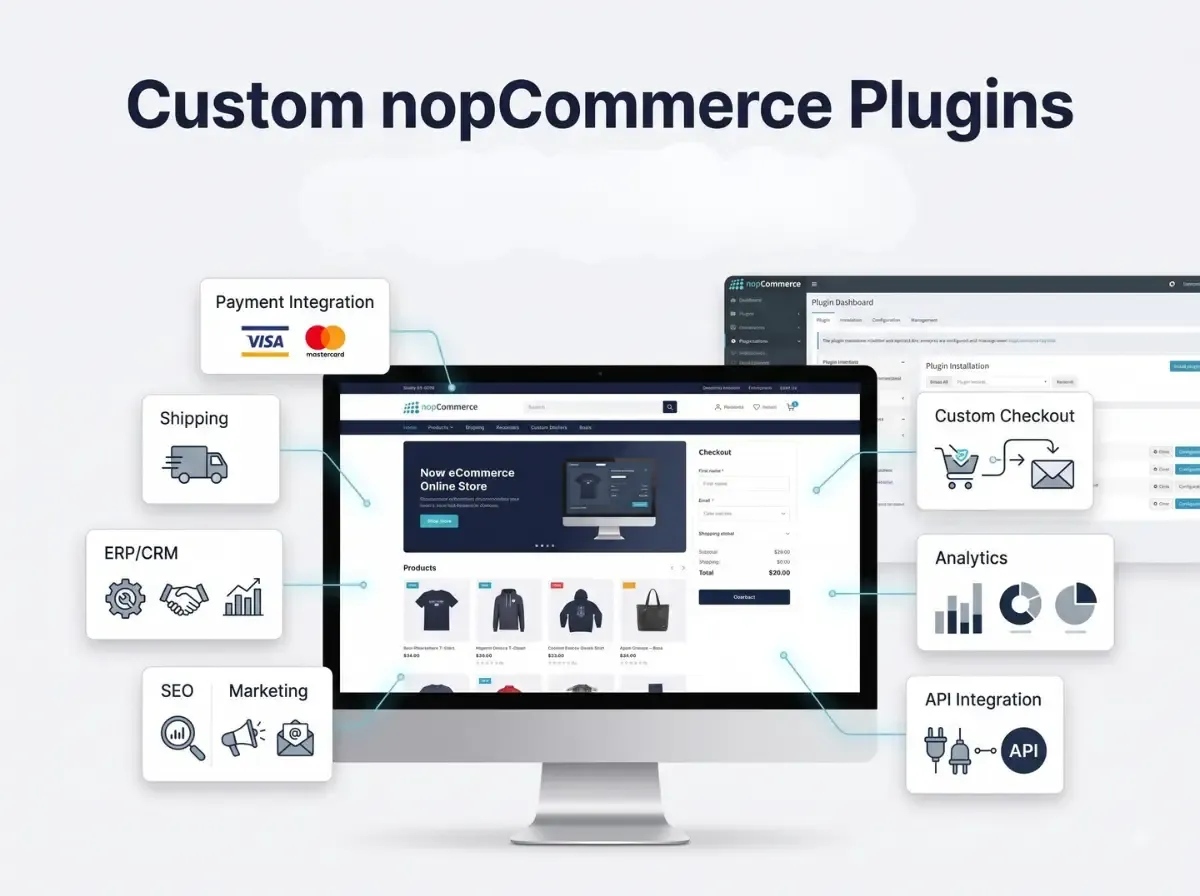
Custom nopCommerce, plugin and theme development
API, payment gateway, shipping and ERP integration
Performance optimization
Testing and technical support
We start with an audit of your store, plugins and customizations, then plan a staging test. Some customizations will need changes. We tell you which before production work begins.
Conclusion
The nopCommerce 5.0 Beta announcement points to a significant release: the move to nopCommerce .NET 10, AI-powered recommendations, an intelligent chatbot, a ChatGPT shopping feed, reminders, native price lists, PunchOut, vendor cart options, SMS sign-in, delivery dates and product 3D images.
These nopCommerce 5.0 features are announced for testing. Beta testing and production deployment are different things. Use the beta to test compatibility, learn what applies to your business and send feedback. Keep production stores on a stable version until the final release is confirmed and your extensions are ready.
Planning an upgrade, checking plugin compatibility or scoping custom development? Talk to Shivaay Soft about your nopCommerce 5.0 readiness.








.webp)

