Best nopCommerce Development Company in New Zealand: How to Choose in 2027
New Zealand online retailers face a particular mix of pressures: a small domestic market, strong expectations around delivery and payments, 15% GST on most sales, and growing interest in selling to Australia and beyond. Off-the-shelf stores handle the basics, but businesses with complex pricing, ERP links, wholesale accounts or several brands often outgrow them. That is where nopCommerce comes in, and where the choice of development partner matters more than the platform itself.
If you are searching for the best nopCommerce development company in New Zealand, the honest answer is that best depends on your project: your technical requirements, your budget in NZD, your integrations and the support you expect after launch. This guide explains why nopCommerce suits many New Zealand businesses, how to evaluate providers, which companies are worth considering (with the evidence behind each), and what to ask before you sign anything.
Why Choose nopCommerce for Your New Zealand eCommerce Business?
nopCommerce is an open-source eCommerce platform built on Microsoft's ASP.NET Core and SQL Server. Recent releases run on .NET 9, and version 4.90 added AI-assisted content tools, SEO features and a native Request for Quote workflow for B2B. Its main strengths for New Zealand merchants are:
Ownership and flexibility. You get the source code and can extend it through plugins and themes rather than being limited to a vendor's roadmap.
B2B and B2C in one platform. Customer roles, tiered pricing, quote requests and wholesale catalogues sit alongside a standard retail storefront.
Multi-store and multi-vendor. One installation can run several storefronts, brands or marketplaces, each with its own domain, theme and catalogue.
Integration-friendly architecture. A plugin model and a Web API make ERP, CRM, accounting, warehouse and shipping connections realistic.
Mature ecosystem. The official marketplace lists well over a thousand themes and plugins, and a certified-developer programme exists for partners.
Practical examples for New Zealand
NZD pricing and GST. nopCommerce supports multiple currencies and tax categories, so GST-inclusive display prices and GST-exclusive trade pricing can coexist. Your developer should configure tax rules against current Inland Revenue (IRD) guidance, especially if you also sell to overseas customers.
Local payments. Windcave, the Auckland-headquartered gateway, publishes a payment module for nopCommerce, listed on the official nopCommerce site. Check which nopCommerce versions the current release supports before you commit, as the listing we reviewed named older versions. Other methods popular with Kiwi shoppers, such as buy-now-pay-later services, should be verified individually rather than assumed.
Shipping. Rural delivery surcharges, click and collect, and courier or NZ Post integrations typically need either a marketplace plugin or custom development. Ask any provider to show you a working example, not just say it is possible.
Maintenance matters
Open-source flexibility comes with responsibility. Major versions change frameworks and can require plugin and theme updates, so budget for upgrades, security patches and testing in a staging environment. A good partner plans for this from the start.
What Makes the Best nopCommerce Development Company in New Zealand?
Whether a company is local or international, judge it against the same criteria:
nopCommerce-specific experience. General web agencies can learn nopCommerce, but you are paying for that learning. Ask how many nopCommerce projects they have delivered, on which versions.
ASP.NET Core and C# depth. nopCommerce customisation is real software engineering. Look for clean plugin architecture rather than edits to core files, which make later upgrades painful.
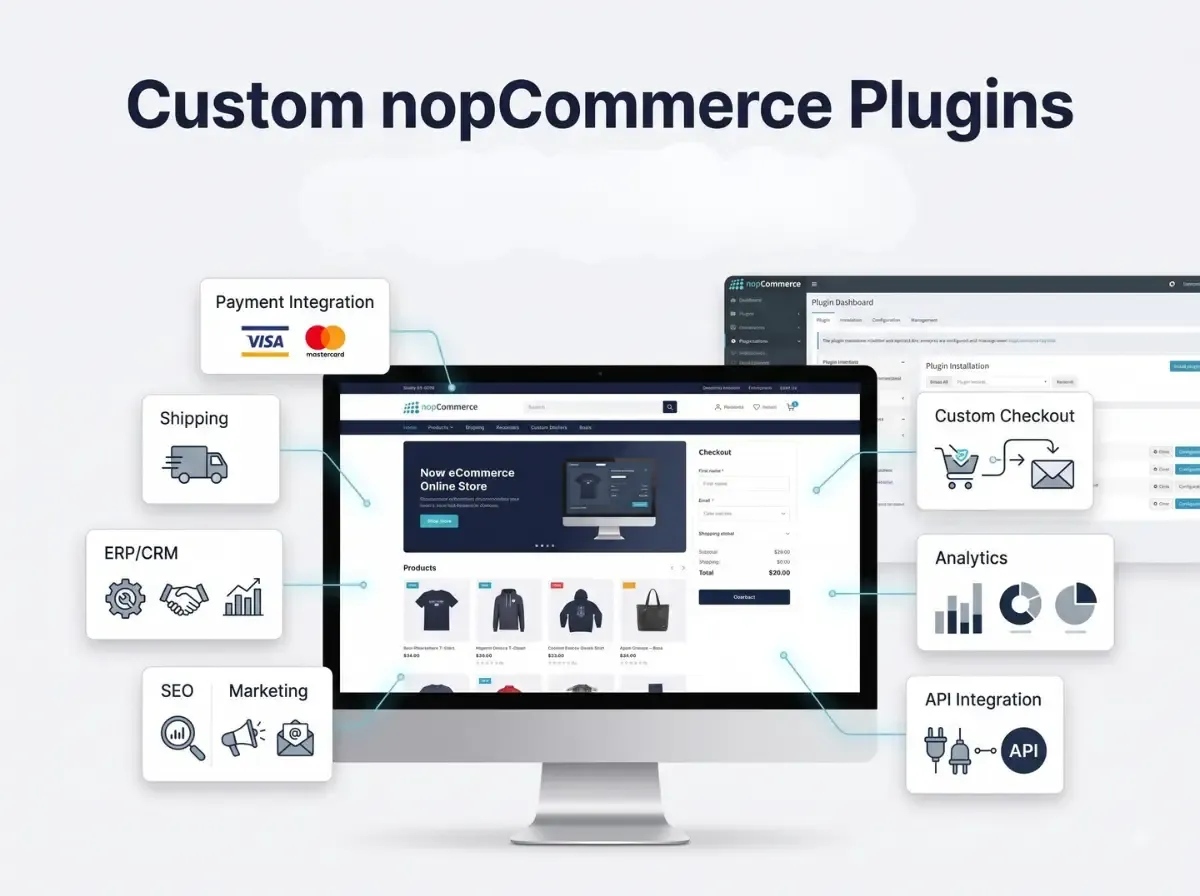
Plugin and theme capability. Ask for examples of custom plugins and themes, ideally live on the marketplace or on client sites.
Integrations. Request examples with ERP, accounting, payment and shipping systems, and ask who maintains them when APIs change.
B2B and enterprise experience. Quote workflows, customer-specific pricing and approval flows need specific experience.
Migration and upgrade track record. Upgrading between major nopCommerce versions or moving from another platform is where projects most often go wrong.
Performance and security practice. Ask about caching, load testing, code review, dependency updates and incident response.
Communication and project management. Clear milestones, a named contact, written documentation and an agreed support process matter as much as code quality.
Post-launch maintenance. Confirm support hours, response times and whether upgrades are covered.
Official partner status vs general experience. nopCommerce runs a solution partner programme with Silver and Gold tiers, and the official directory lists partners. Partner status is a useful signal that nopCommerce's team has vetted a company, but it is not a guarantee of fit for your project. A non-partner with strong references can be a good choice; a partner with no relevant experience in your sector may not be. Always verify a claimed partner tier on nopcommerce.com.
Top nopCommerce Development Companies to Consider in New Zealand
We have deliberately not produced a ranking. There is no independent, verifiable data that would justify one, and several "best of" lists online are paid placements. Instead, the table below compares providers against the criteria above using publicly available information.
Methodology. We included companies that publicly present nopCommerce development as a core service. We checked partner claims against company sites and nopCommerce pages, looked for documented portfolios and third-party reviews, and noted any evidence of work for clients in New Zealand or Australia. Gaps are marked as "not verified".
Details were gathered from public sources in November 2026. Confirm current partner tier, team size and references directly with each company before shortlisting.
A note on local agencies. Auckland and other New Zealand agencies are plentiful, but those we reviewed focus mainly on Shopify, WooCommerce and Magento. One Auckland studio's published service page mentions migrating existing nopCommerce stores to other platforms rather than building on it. If you want a New Zealand-based team, ask directly for nopCommerce references, not general eCommerce case studies.
Why Consider Shivaay Soft for nopCommerce Development?
Shivaay Soft is a Surat-based eCommerce development company, founded in 2020, that builds on .NET and ASP.NET Core and holds Gold Solution Partner status with nopCommerce. Its public profile shows consistent focus on the nopCommerce ecosystem rather than a scattered list of technologies.
Services (as described on its own site and third-party profiles):
Custom nopCommerce store development
Custom plugin development
nopCommerce theme development and customisation
ASP.NET Core development
B2B and B2C eCommerce solutions
ERP, CRM, payment and shipping integrations
nopCommerce upgrades and migrations
Performance optimisation
Ongoing maintenance and technical support
Flexible engagement: dedicated developers or fixed-price projects
Evidence you can check:
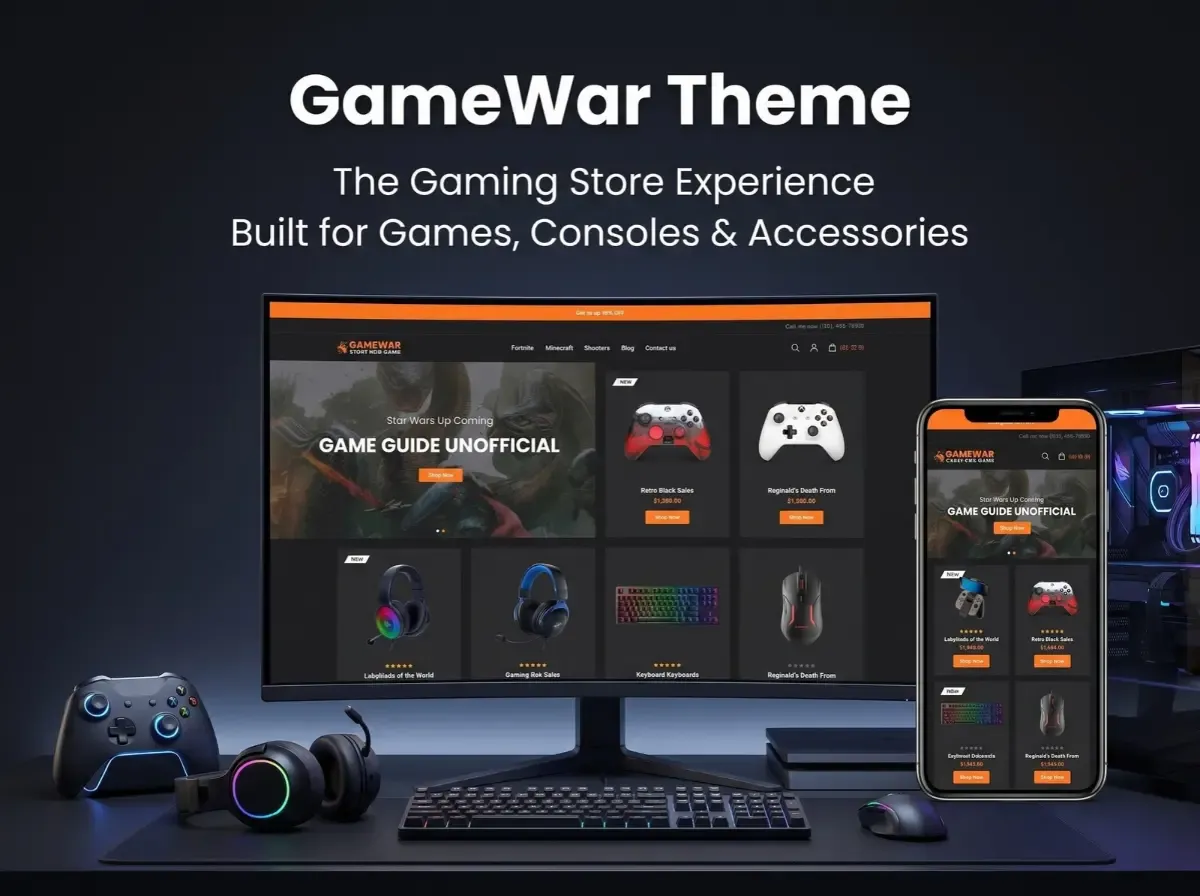
Marketplace themes. Shivaay Soft publishes themes on the official nopCommerce marketplace, including its Cosmetic and Jewellery themes, with support for recent nopCommerce versions noted in the forum thread. Users have left feedback about support responsiveness.
Upgrade work. Verified Clutch reviews describe a healthcare client's upgrade from nopCommerce 4.4 to 4.7, and a website upgrade for an Australian confectionery business.
Integration work. A Vietnamese agricultural eCommerce company engaged Shivaay Soft to integrate the MoMo payment plugin, showing experience adding region-specific gateways.
Ongoing support. A baby and kids retailer used the team for updates and maintenance.
What we cannot claim. Shivaay Soft is based in India and has no verified New Zealand office or New Zealand client list. Its nearest documented regional experience is Australian. For a New Zealand project, we recommend asking for references from Australia or other English-speaking markets, and requesting a short proof of concept for any NZ-specific integration, such as Windcave or a local courier.
Essential nopCommerce Development Services for New Zealand Businesses
Custom store development. A full build from requirements, including catalogue structure, GST-aware pricing and checkout flow.
Existing store customisation. Adding features such as customer-specific pricing, delivery rules or custom checkout fields to a live store.
Plugin and theme development. Purpose-built extensions and brand-specific front ends that keep core code untouched.
Third-party API integration. Connecting marketplaces, marketing platforms, accounting tools and fulfilment services.
Payment gateway integration. Setting up and testing gateways, including refunds and reconciliation.
Shipping and logistics integration. Live rates, label printing, rural delivery rules and click-and-collect.
ERP and inventory integration. Syncing stock, pricing and orders so teams stop double-handling data.
Performance optimization. Caching, database tuning and front-end speed work, which also support SEO.
Security and maintenance. Patching, monitoring, backups and dependency reviews.
Version upgrades. Moving to current releases, such as the 4.90 line, with plugin compatibility checks and staging tests.
How Much Does nopCommerce Development Cost in New Zealand?
There is no honest fixed price for "a nopCommerce store". The platform itself is free to download, but total cost depends on what you build and who builds it. Request quotes in NZD, stating whether GST is included, and compare like with like. The main cost drivers are:
Project complexity. A standard catalogue store costs far less than a multi-brand or marketplace build.
Custom features. Every bespoke plugin adds design, development, testing and later upgrade effort.
Number of integrations. ERP, warehouse, accounting and marketing connections each carry their own scope and ongoing maintenance.
Theme requirements. A modified existing theme differs greatly from a fully custom design.
B2B functionality. Quote flows, customer-specific price lists and approval rules add complexity.
Migration complexity. Product, customer and order history, plus URL redirects to protect search rankings, can be substantial.
Support and maintenance. Ongoing hours, response times and upgrade coverage affect your yearly total.
Ask providers for an itemised estimate that separates build, integrations, hosting and annual support. Be wary of any quote that cannot explain where the hours go.
How to Choose the Right nopCommerce Development Partner
Use this checklist when you speak to shortlisted companies:
Review the portfolio. Ask for live stores and, where possible, client contacts you can call.
Verify technical experience. Request specifics on nopCommerce versions, plugin architecture and who will actually work on your project.
Ask about plugin compatibility. How do they test third-party plugins against new versions, and how do they handle conflicts?
Understand milestones. Insist on a written scope, phased delivery and clear acceptance criteria.
Confirm source code ownership. Your contract should state that you own custom code and can move to another provider.
Discuss security and testing. Ask about code review, staging environments, penetration testing and data protection under the New Zealand Privacy Act.
Clarify maintenance and support. Get response times, hours and escalation paths in writing.
Check communication processes. Agree on reporting cadence, tools and a named project manager.
Verify partner claims. Cross-check any Silver or Gold claim on nopcommerce.com.
Why New Zealand Businesses May Work with an International nopCommerce Development Team
Because nopCommerce specialists are scarce in New Zealand itself, many local businesses look offshore. The potential advantages are real, but so are the trade-offs:
Specialised expertise. Larger international teams may offer deeper nopCommerce experience than a generalist local agency.
Flexible engagement. Dedicated developers, fixed-price projects or retainer-based support let you match the model to the work.
Custom development capacity. Teams focused on plugins and integrations can often take on work that smaller local shops decline.
Time-zone planning. India is several hours behind New Zealand's working day, so agree overlap hours, response times and a weekly call in advance.
Clear documentation. Written specifications, change logs and handover documents become essential when your team is remote.
Support arrangements. Confirm who handles urgent issues during New Zealand business hours.
International development is not automatically cheaper or better. It works when scope, communication and accountability are well defined, and it fails when they are not. Whichever way you go, insist on references and a small paid pilot before committing to a large build.
Conclusion
The best nopCommerce development company in New Zealand for your business is the one that can show verified nopCommerce experience, handle your integrations and local requirements such as NZD pricing, GST and local payment gateways, and support the store long after launch. Look past rankings and slogans. Compare partners using evidence: portfolios, references, partner status you have confirmed yourself, and clear written scope.
If you are weighing options and would like a technical conversation, Shivaay Soft's team is happy to discuss your nopCommerce requirements, from custom plugins and themes to migrations and ongoing support. Share your project brief, ask for relevant references, and judge the fit for yourself.
.webp)