

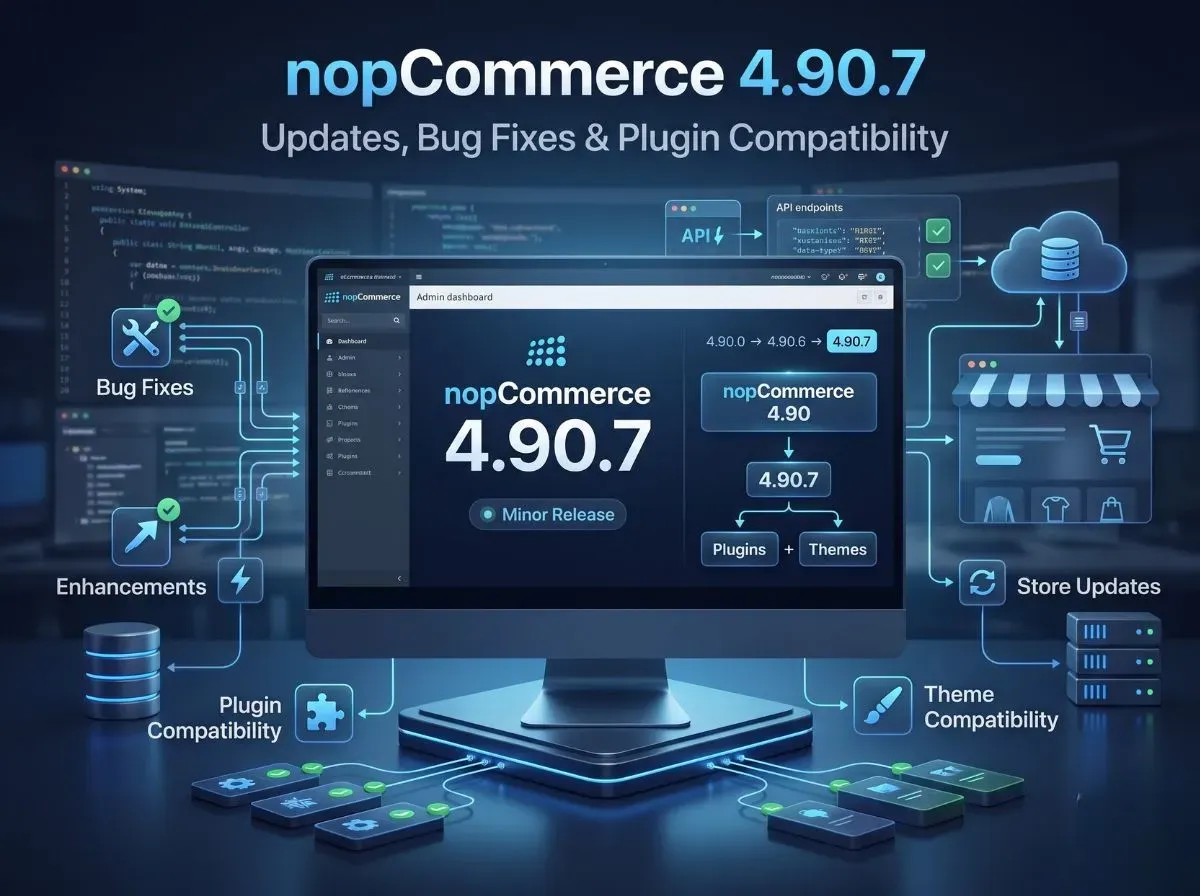
nopCommerce 4.90.7 came out on August 26, 2026. It's a small update, part of the 4.90 series, and it fixes a few bugs from earlier versions. Here's the good news if you already run nopCommerce 4.90: this update works smoothly with everything you have. Your version stays fully compatible with 4.90.0 through 4.90.6, so plugins and themes made for nopCommerce 4.90 will keep working on 4.90.7 too. No need to panic about broken extensions.
This article breaks down what's actually in this update, what "compatible" really means for your store, and what you should check before you go live with it.
What Is New in nopCommerce 4.90.7?
Simply put, this update fixes bugs. That's it - no big new features this time. It's the kind of release nopCommerce puts out regularly to smooth out small issues found in earlier 4.90 versions.
For the full, detailed list of exactly what was fixed, check the official release notes page. It's worth a quick look before upgrading, just so you know if any fix applies to something you use.
nopCommerce 4.90.7 Plugin Compatibility Explained
This is the part store owners care about the most, so let's keep it simple.
nopCommerce's small updates follow a straight line, one version after another: 4.90.0 → 4.90.1 → 4.90.2 → and so on, all the way to 4.90.7.
nopCommerce 4.90.0
↓
nopCommerce 4.90.1
↓
nopCommerce 4.90.2
↓
nopCommerce 4.90.3
↓
nopCommerce 4.90.4
↓
nopCommerce 4.90.5
↓
nopCommerce 4.90.6
↓
nopCommerce 4.90.7
nopCommerce has confirmed that 4.90.7 works fine with everything from 4.90.0 to 4.90.6. In plain words: any plugin or theme made for nopCommerce 4.90 will still work on 4.90.7.
What this means for you as a store owner:
You don't have to rebuild or replace your existing plugins.
You won't need to chase down plugin updates every time a small version comes out.
This kind of small upgrade is far easier and safer than a big version jump (like going from 4.80 to 4.90), which usually does break things.
One honest note: "compatible" here means nopCommerce's own platform plays nicely across these versions. It doesn't mean every single plugin from every developer is guaranteed to work perfectly, especially older or heavily customized ones. So test your plugins before you upgrade your live store — better a few minutes of checking than an unexpected surprise.
Are nopCommerce 4.90 Themes Compatible with 4.90.7?
Yes. Your theme will keep working, the same way your plugins do. Whatever storefront design you're currently using for nopCommerce 4.90 doesn't need to be touched or rebuilt.
That said, it's smart to click through your site after updating, just to be sure everything looks right. Check:
Homepage
Category pages
Product pages
Cart
Checkout
Customer account pages
Search
Custom widgets
Any theme-specific functionality (custom sliders, mega menu styling, RTL layouts, and similar customizations)
A small update like this shouldn't break your theme. But it takes only a few minutes to check these pages, and it saves you from customers noticing a problem before you do.
Should You Upgrade to nopCommerce 4.90.7?
If your store already runs on any 4.90 version, upgrading is a safe, sensible move. You get the latest bug fixes, and nothing about your plugins or theme needs to change.
Before you upgrade, do this:
Take a backup of your database and your files, always. No skipping this step.
Skim the official release notes to see what exactly got fixed.
Check your custom code, especially anything you've built or modified yourself.
Test your plugins and theme on a test site first, not directly on your live store.
Test payment and shipping, since problems here directly hit your sales.
Walk through checkout yourself, start to finish.
Double-check the database after running the upgrade.
Use a staging site if you have one. Never experiment on your live store.
nopCommerce 4.90.7 Upgrade Checklist
Back up the database
Back up application files
Review official release notes
Check custom plugins
Check third-party plugins
Check theme compatibility
Test payment gateways
Test shipping integrations
Test checkout
Test customer login and registration
Test important admin functions
Deploy after successful testing
How to Download nopCommerce 4.90.7
You can download it from two official places:
nopCommerce website the main download page.
GitHub releases page where developers usually go.
On GitHub, you'll see a few different packages depending on what you need:
Source code package for developers who want to customize nopCommerce (needs Visual Studio).
Windows x64 / x86 packages ready-to-deploy builds, no coding needed.
Linux x64 package same idea, for Linux servers.
The upgrade scripts package is the one you need if you're upgrading an existing store rather than installing fresh.
Stick to these official sources only. Don't download nopCommerce from random third-party sites; it's your store's core software, not worth the risk.
Where to Find the Full nopCommerce 4.90.7 Release Notes
For the exact list of what got fixed, check the official release notes page. This is the one place to trust for release details - this article (and any other blog) should just point you back to it, not replace it.
What Should Developers Check After Updating to 4.90.7?
Minor-version compatibility at the platform level doesn't remove the need for application-level testing. After updating, developers should verify:
Plugin loading
Dependency injection
Database access
Custom controllers
Event consumers
Widget zones
Theme rendering
API integrations
Payment integrations
Shipping integrations
Scheduled tasks
Admin functionality
Logs
Cross-reference this checklist against the specific fixes listed in the official release notes, since some items may be more relevant than others depending on what nopCommerce addressed in this version.
Why Work With a nopCommerce Development Expert?
Not every store needs outside help for a minor-version update, but professional support becomes useful when your setup includes:
Custom plugins
Custom themes
Complex integrations
Payment gateways
ERP integrations
Shipping integrations
Legacy customizations that predate several major versions
Upgrade testing across multiple environments
Performance issues that need diagnosis before or after an upgrade
Why Choose Shivaay Soft for nopCommerce Development & Upgrades?
Shivaay Soft works on nopCommerce development and upgrade projects, including plugin development and customization, theme development, API integration, payment and shipping integration, ERP integration, performance optimization, and ongoing technical support. If your store's upgrade involves more than a straightforward minor-version bump, custom plugins, legacy code, or integrations that need validation, that's the kind of work we handle directly.
Conclusion
To sum it up: nopCommerce 4.90.7 is a small bug-fix update released on August 26, 2026. It works perfectly with everything else in the 4.90 line, so your existing plugins and themes are safe, no rebuilding needed. Still, give the official release notes a quick read and test your own store's setup before going live with the update. For the details, check the official release notes and grab the update from the download page or GitHub. And if you'd rather have someone handle the upgrade and testing for you, Shivaay Soft is here to help.