

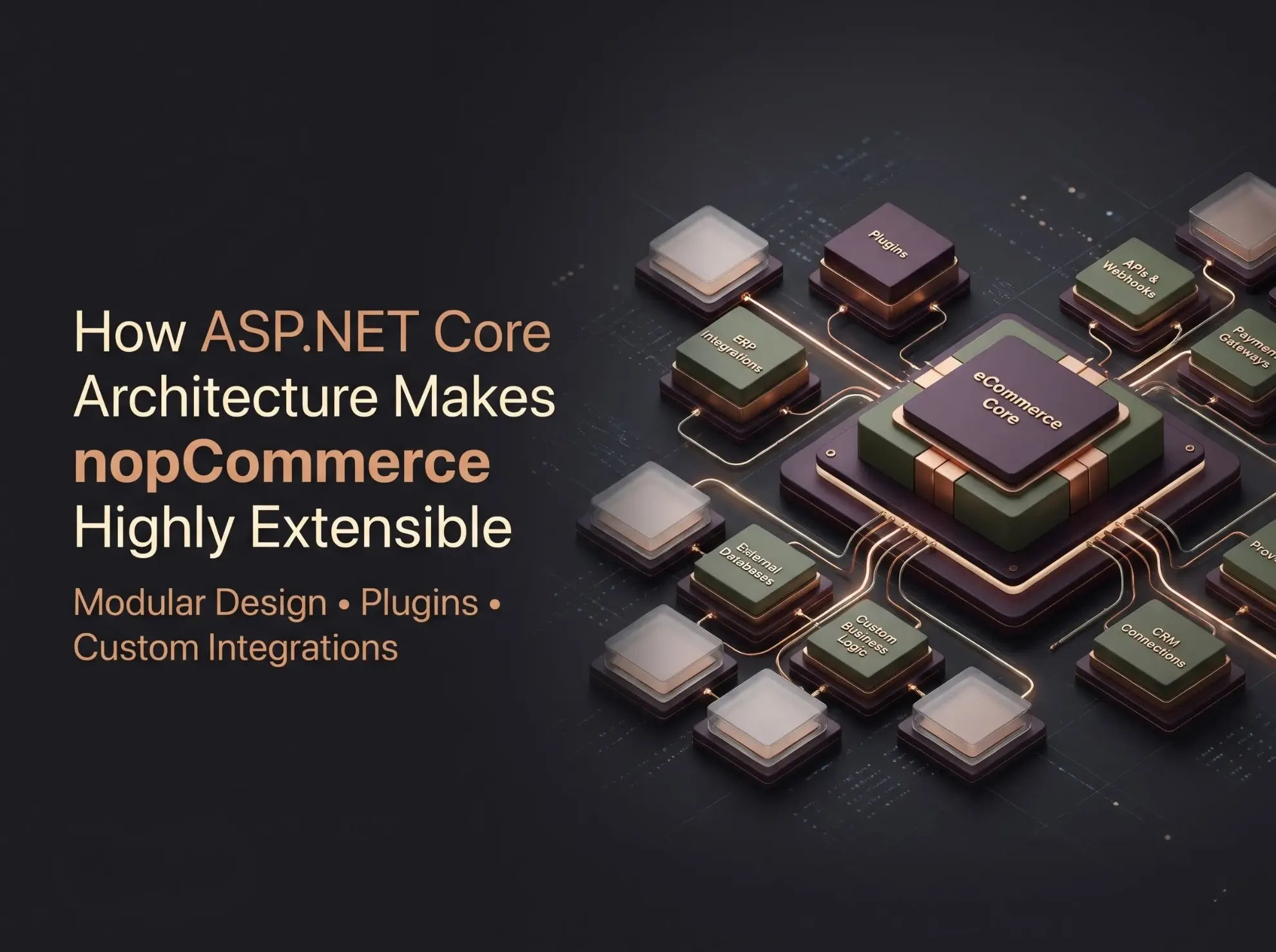
Every eCommerce business eventually outgrows its out-of-the-box feature set. You add a wholesale price tier, connect an ERP, or need a checkout rule that no standard setting covers. At that point, the question is no longer "Can the platform do this?" but "Can we add it without breaking everything else, and without paying for it again at every upgrade?"
That is the difference between basic customization and architectural extensibility. Customization changes what a store looks like or how it behaves today. Extensibility is a property of the platform's design: it gives developers defined places to add behavior so the work stays maintainable.
nopCommerce is a free, open-source eCommerce platform built on ASP.NET Core. Understanding ASP.NET Core architecture in nopCommerce helps business owners, CTOs, and architects judge what can be built, how it should be built, and what it will cost to maintain. This guide explains the framework foundation, the plugin model, dependency injection, data access, and the limits you should plan for.
Understanding the ASP.NET Core Foundation of nopCommerce
ASP.NET Core is Microsoft's cross-platform, open-source framework for building web applications and APIs. It runs on Windows, Linux, and macOS, and it ships with built-in support for routing, configuration, logging, middleware, and dependency injection.
nopCommerce moved to ASP.NET Core in version 4.00 and has tracked newer .NET releases since; version 4.80 moved to .NET 9. Confirm the runtime required by your target release before planning development or hosting.
Here is what those framework capabilities mean for extensibility:
Middleware forms the request pipeline. Each component can inspect or modify a request before passing it on, which is how cross-cutting concerns such as authentication, localization, and custom request handling are added.
Routing maps URLs to controllers and actions. Plugins can contribute their own routes and endpoints.
Configuration loads settings from files and environment variables, keeping environment-specific values out of code.
Logging gives a consistent way to record errors and integration failures.
Dependency injection (DI) supplies classes with the services they need, rather than having them create those services themselves.
These are ASP.NET Core features, not nopCommerce inventions. nopCommerce's contribution is the structure built on top of them: its plugin system, service layer, and conventions. Keeping that distinction clear matters when you evaluate what is "standard .NET" and what is "specific to nopCommerce."
Understanding nopCommerce Architecture
nopCommerce is a modular monolith: one deployable application organized into distinct areas of responsibility, with extension mechanisms for adding functionality. It is not a microservices platform, and it does not need to be one to be extensible.
Conceptually, the main areas are:
Presentation layer. Controllers, Razor views, view components, and the public storefront and admin interfaces that users see.
Business logic and services. Classes that implement store rules: calculating prices, validating orders, processing payments. Controllers call services rather than containing business rules.
Data access and entities. Entity classes describe the data (products, customers, orders), and data-access components read and write them.
Plugins and integrations. Self-contained packages that add capabilities such as payment methods, shipping providers, tax providers, and widgets.
Themes. Presentation customization that changes layout and styling without touching business logic.
This is a conceptual breakdown, not a list of official projects or assemblies; project names and organization have changed across versions. The key idea is the flow: a controller receives a request, calls services that apply business rules, which use data-access components to work with entities, while plugins and themes hook in at defined points.
How the nopCommerce Plugin Architecture Enables Customization
Plugins are the primary way to extend nopCommerce. The platform's own documentation describes plugin types including payment methods, tax providers, shipping rate computation methods, and widgets, and notes that the platform ships with many plugins of its own.
How plugins work at a high level
Plugin descriptor. Each plugin includes a plugin.json file describing it (name, group, version, supported nopCommerce versions, and more).
Plugin class. The plugin implements the plugin interface, typically by deriving from the BasePlugin class, which provides default behavior.
Lifecycle methods. Plugins can run logic on install, uninstall, and update (the update method runs when the plugin's version in plugin.json changes). This is where a plugin creates settings, locale resources, or database tables, and cleans them up.
Configuration. Once installed, a plugin can expose a configuration page in the admin area under the local plugins section.
Specific interfaces. Plugin types implement purpose-built interfaces, such as one for payment methods or one for shipping rate computation.
Why this reduces core modifications
Because plugins live in their own projects and register themselves through defined mechanisms, many features can be added without editing platform source files. When you upgrade nopCommerce, your custom code is separate from the platform code, which makes the upgrade easier to scope and test.
That benefit has limits. Plugins must follow nopCommerce conventions, and they must be compatible with the platform version. A plugin built for one major version is not guaranteed to work on another. Plugins reduce the need for core changes; they do not eliminate it in every case, and they do not guarantee upgrade compatibility.
Practical example: a custom shipping integration
Suppose a US distributor negotiates rates with a regional freight carrier that has no ready-made nopCommerce plugin. A plugin-based approach looks like this:
Create the plugin with its plugin.json and a plugin class.
Implement the shipping interface. nopCommerce documents a shipping rate computation method as an ordinary plugin that implements IShippingRateComputationMethod. The platform calls methods such as GetShippingOptionsAsync when it needs the list of available options at checkout, and GetFixedRateAsync when a rate is needed before the customer has chosen an option (for example, on the cart page).
Call the carrier's API from a dedicated service class, using DI to inject an HTTP client and the plugin's settings.
Add a configuration page where administrators enter credentials and options.
Test in staging with realistic carts, addresses, and failure cases such as carrier timeouts.
The store's checkout, order, and admin features remain untouched. The carrier logic lives in one place that can be updated, versioned, or removed independently.
Dependency Injection and Service-Based Extensibility
Dependency injection is a design pattern in which a class receives the objects it depends on instead of creating them. Instead of a shipping class constructing its own API client, it asks for one in its constructor. This improves testability (you can supply a fake client in tests), maintainability (implementations can change without rewriting consumers), and separation of concerns.
nopCommerce uses ASP.NET Core's built-in DI container. According to the platform's documentation, services and their interfaces are registered in classes that implement the INopStartup interface, and you can create as many of these classes as you need.
Each startup class has an Order property, and nopCommerce runs these classes in ascending order. Registering your own service with a higher order than the default registration is the documented way to override an existing dependency.
Here is a minimal, illustrative startup class. The interface members shown match those used in nopCommerce's own plugins for the 4.x line; the service names are examples, and you should verify signatures against your target version.
using Microsoft.AspNetCore.Builder;
using Microsoft.Extensions.Configuration;
using Microsoft.Extensions.DependencyInjection;
using Nop.Core.Infrastructure;
public class NopStartup : INopStartup
{
// Register custom services with the ASP.NET Core container
public void ConfigureServices(IServiceCollection services, IConfiguration configuration)
{
services.AddScoped<IFreightCarrierClient, FreightCarrierClient>();
}
// Add middleware here if the plugin needs it
public void Configure(IApplicationBuilder application)
{
}
// Controls when this registration runs relative to others
public int Order => 3000;
}
This snippet shows registration only. IFreightCarrierClient and FreightCarrierClient are hypothetical names for a custom service.
Extending versus replacing
These are different operations:
Extending means adding new services that work alongside existing ones, or reacting to platform events. This is the lowest-risk approach.
Replacing or overriding means substituting your implementation for a built-in service. It can be powerful, but your class becomes coupled to the original's behavior, and any change to the original in a future release can silently affect yours.
Not every service can be swapped through a simple interface registration. Whether a replacement works depends on the version, how the service is consumed, and which methods are designed to be overridden. Treat overrides as a deliberate decision that needs documentation and upgrade testing.
Modular Design and Separation of Concerns
Keeping business logic, data access, presentation, and integrations apart pays off in several ways:
Contained changes. A new loyalty-points rule in a service does not require editing views or database code.
Easier testing. Services with injected dependencies can be tested without a running storefront.
Lower regression risk. Features packaged as plugins can be disabled or removed if they cause problems.
Less technical debt. Logic scattered across views and controllers is hard to find and harder to change. Logic in well-named services is not.
None of this happens automatically. A plugin that puts business rules in a Razor view, or reaches into internal classes directly, can be harder to maintain than a clean core change. Modularity is a discipline that the architecture enables; it does not enforce it.
Data Access, ORM, and Database Extensibility
One detail is worth stating plainly because it is often misreported: nopCommerce does not use Entity Framework Core. According to the platform's documentation, starting with version 4.30 it uses Linq2DB as its ORM and FluentMigrator for database migrations, after the team decided against standard Entity Framework Core. The documentation lists support for Microsoft SQL Server, MySQL, and PostgreSQL.
Here is how the pieces fit together:
Entities are classes representing records (a product, an order).
Data-access components retrieve and persist those entities.
Services wrap data access in business-friendly methods and are what most custom code should call.
Migrations define schema changes in code, so tables and columns can be created consistently across environments.
For custom data, such as a table of customer-specific contract prices, the maintainable approach is typically a plugin that defines its own entity and a migration that creates its own table, rather than altering core tables by hand. The plugin's install and uninstall lifecycle gives it a controlled place to manage that schema.
Practical points to plan for:
Test migrations on a copy of production data, including rollback.
Index deliberately. Custom tables queried by customer or product need indexes that match real query patterns.
Protect data integrity with proper keys and constraints.
Watch query performance. Inefficient queries in a plugin can slow the entire store.
Avoid direct, undocumented schema changes. Editing core tables by hand or running untested scripts is a common cause of painful upgrades.
Custom Business Logic Without Unnecessary Core Modifications
The right extension approach depends on the requirement and the extension points available in your version. The table below shows typical starting points, not guarantees.
In every case, review the available extension points first. If none fit, a limited, well-documented core modification may be the pragmatic choice, but it should be a conscious exception with a plan for re-applying it after upgrades.
How nopCommerce Extensibility Supports Business Growth
A well-structured implementation can support:
Growing catalogs, because new attributes and integrations are added through plugins rather than reworking core code.
More complex B2B and B2C workflows, layered on as separate, testable modules.
Multiple integrations, each isolated so one failing connector is easier to diagnose.
Custom customer experiences, through themes and widgets.
Long-term maintainability, because custom code is separate and documented.
Future feature expansion, since new capabilities do not require restructuring old ones.
Architectural extensibility is not runtime scalability. Extensibility describes how easily you can add and change features. Scalability describes how the system performs as traffic and data grow. That depends on infrastructure sizing, database design and indexing, caching, application configuration, and the workload itself. A beautifully modular store can still be slow if queries are inefficient or the database is under-provisioned, and a store can be fast yet difficult to extend.
ASP.NET Core and nopCommerce vs Traditional Monolithic Customization
Rather than comparing platforms, compare approaches to customizing a monolithic application:
A modular monolith can be highly extensible without being a microservices architecture. It offers simpler deployment and fewer moving parts, at the cost of scaling the application as a unit. Plugin-based work lowers upgrade friction but never removes the need to test.
Common nopCommerce Extensibility Challenges
Best Practices for Extending nopCommerce
Prefer supported extension points and plugins over editing platform files.
Minimize core modifications, and document any that remain.
Follow ASP.NET Core DI and configuration conventions rather than inventing parallel mechanisms.
Separate business logic from presentation; keep views thin.
Test plugin and platform upgrades in staging before touching production.
Validate database changes and migrations on realistic data.
Apply secure coding and authorization practices, especially in admin features and API endpoints.
Monitor logs, performance, and integration failures so problems surface early.
Document custom architecture and dependencies, including every overridden service.
Verify compatibility with the exact nopCommerce and .NET versions you run.
When Should You Hire a nopCommerce Development Partner?
Many teams handle simple configuration and theme tweaks in-house. Outside help becomes worthwhile when the work involves:
Complex plugin development with data, admin screens, and background processing
Custom B2B workflows such as approvals, contract pricing, or quoting
ERP and CRM integrations where data accuracy and error handling are critical
Performance optimization across code, database, and caching
Platform upgrades, particularly when many plugins and customizations are involved
Architectural reviews before a major build or replatforming
Long-term maintenance and support for a customized store
Shivaay Soft is a nopCommerce Gold Solution Partner and web and eCommerce development company based in Surat, India. The team provides nopCommerce customization, plugin development, integrations, and related eCommerce development services. If you are weighing a build-versus-buy decision on a custom feature, an architectural review is often a good first step.
Conclusion
ASP.NET Core gives nopCommerce a solid, well-documented foundation, and the platform's plugin model, service layer, and DI conventions turn that foundation into practical extension points. Understanding ASP.NET Core architecture in nopCommerce helps you build custom features that stay maintainable: use plugins and supported extension points, keep business logic out of views, treat overrides and migrations carefully, and test every upgrade in staging.
Extensibility is not automatic. It depends on good architectural decisions, secure code, and disciplined upgrade planning. If you are planning a nopCommerce customization or integration, you can discuss your requirements with the Shivaay Soft team.
Frequently Asked Questions
plugin.json descriptor and a class implementing the plugin interface, usually derived from BasePlugin. It runs logic on install, uninstall, and update, can expose a configuration page, and can implement specific interfaces such as those for payment or shipping.INopStartup classes, which improves testability, separation of concerns, and the ability to add or override services. Overrides rely on registration order and version-specific behavior.